
The Markers we Use to Chart Your Experience.
At Zosika Analytics, we view website navigation much like orienteering across a complex terrain. This cookie-policy explains how we use small data fragments—our digital control points—to optimize your route through our predictive analytics environment.
Explore Our Methodology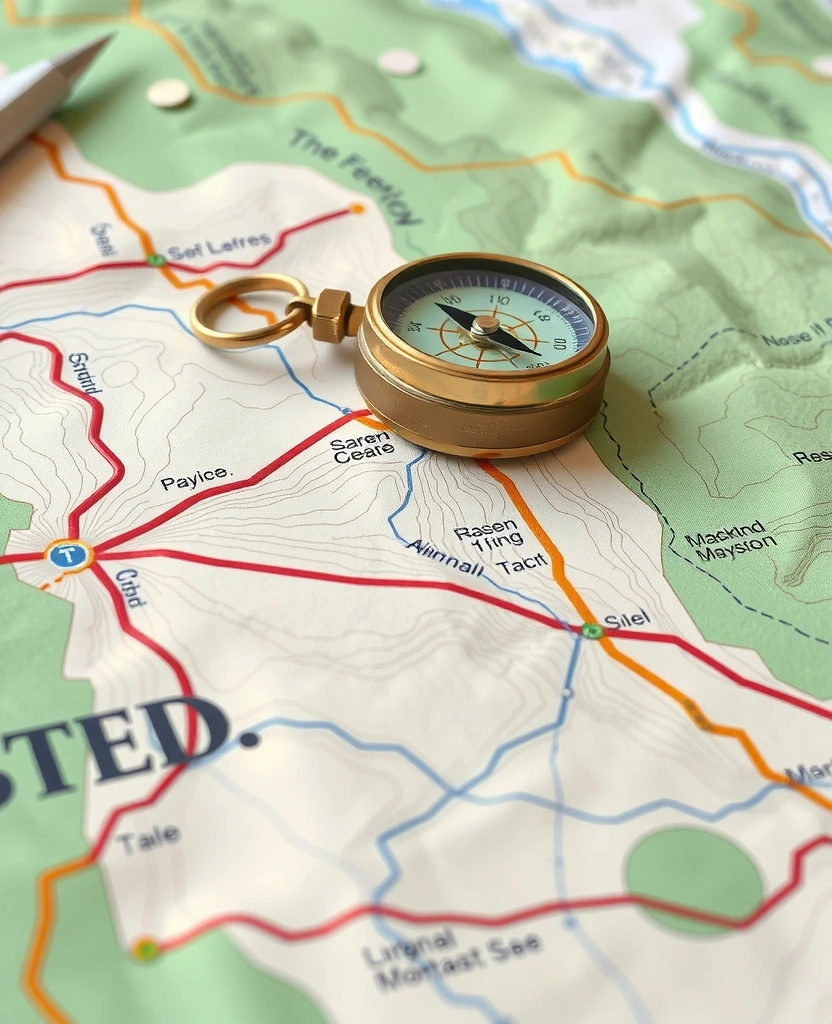
Control Point Logic
Just as an orienteer relies on physical markers to confirm their path, our site uses cookie files to ensure the technical accuracy and functional efficiency of your session. These are not tools for surveillance, but rather coordinates for session stability.
Policy Definition
Cookies are small text files stored on your device that help us recognize your preferences and optimize page load speeds across the zosikajv.com domain.
Essential Coordinates (Strictly Necessary)
These are foundational to our infrastructure. They enable core functionality such as security, network management, and accessibility. Without these, the digital terrain of Zosika Analytics would be impassable. These are activated by default to ensure the site remains operational.
Path Optimization (Performance & Analytics)
We use these to understand how visitors interact with our predictive modeling content. By analyzing which "routes" are taken most frequently, we can improve site speed and content relevance. All data collected here is aggregated and anonymous, focusing strictly on route efficiency.
User Preference (Functionality)
These markers remember the choices you make—such as your preferred region or font size—to personalize your interface. They allow us to serve a more tailored experience that mirrors your specific analytical requirements.
Manage Your Digital Footprint
You remain the navigator of your own data. Most browsers allow you to define the boundaries of cookie usage through their internal settings.
Google Chrome
Access Settings > Privacy and security > Cookies and other site data.
Standard Navigation
Apple Safari
Navigate to Settings > Safari > Privacy > Block All Cookies.
Standard Navigation
Mozilla Firefox
Select Settings > Privacy & Security > Cookies and Site Data.
Standard Navigation
Microsoft Edge
Go to Settings > Cookies and site permissions > Manage and delete cookies.
Standard Navigation
Need a different route?
If you have specific questions about our use of cookie files, our data stewards are ready to help.

Transparency Thresholds
Persistence Profiles
We differentiate between Session Cookies (which vanish when you close your browser) and Persistent Cookies (which remain until deleted or they reach their expiry date). Most of our persistent markers are programmed to expire within 12 months.
External Integration
Occasionally, we utilize third-party analytics services to refine our predictive engine's accuracy. These partners may set their own cookies to help us track site behavior benchmarks across the wider digital landscape.
Optimization Updates
As technology shifts, we periodically recalibrate our cookie-policy. This documentation was last updated on . Continued use of our site following these route updates constitutes acceptance of the current markers.
Direct Communication
If you require a detailed ledger of the specific cookies used during your session, or have concerns regarding our digital wayfinding practices, reach out to our headquarters in Kuala Lumpur.
Zosika Analytics
No. 88, Jalan Raja Chulan,
Kuala Lumpur, 50200,
Malaysia